
A simple tutorial that teaches you how to open/close gates by saying a keyword or by switches.
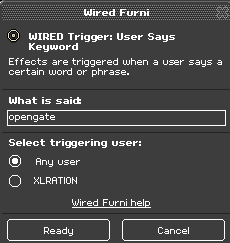
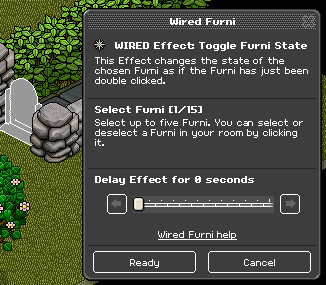
Attach one of the WIRED Effect: Toggle Furni State to a gate. Place the WIRED Trigger: User Says Keyword on top of it and choose any keyword you will remember forever, ex: “opengates”. Try it out!
Attach one of the WIRED Effect: Toggle Furni State to a gate. Place the WIRED Trigger: Furni State Is Changed on top of it and attach it to the switch. Try it out!
What you will need:
- 2x WIRED Effect: Toggle Furni State
- 1x WIRED Trigger: User Says Keyword
- 1x WIRED Trigger: Furni State Is Changed
- 1x Floor Switch
- 1x Gate
Step 1
Attach one of the WIRED Effect: Toggle Furni State to a gate. Place the WIRED Trigger: User Says Keyword on top of it and choose any keyword you will remember forever, ex: “opengates”. Try it out!
Step 2
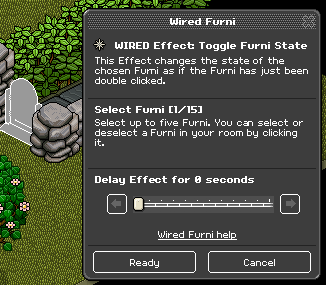
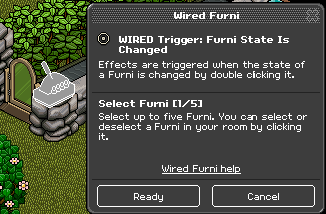
Attach one of the WIRED Effect: Toggle Furni State to a gate. Place the WIRED Trigger: Furni State Is Changed on top of it and attach it to the switch. Try it out!
Eevee7 years ago